The Command Palette is one of the primary interfaces for interacting with Binary Ninja, and has been for almost as long as Binary Ninja has existed. Now, in the upcoming Jotunheim release, the Command Palette is getting more powerful! Beyond just searching menu items, you will be able to search Functions, Types, Strings, and more!
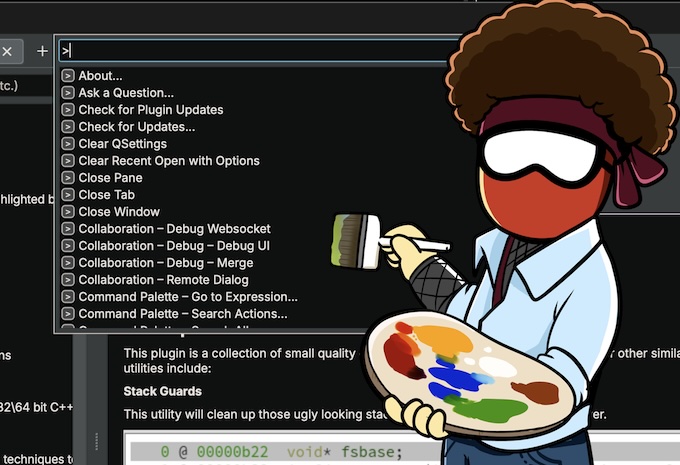
Search Analysis Objects
If you have an analysis session open, you can now search for various analysis objects directly in the Command Palette. You can start your search with different prefixes if you want to search for different types of objects:
| Prefix | Search Type |
|---|---|
| None | Everything |
@ |
Functions and Symbols |
" |
Strings |
> |
Actions (previous default) |
t: |
Open Tabs |
/ |
Projects |
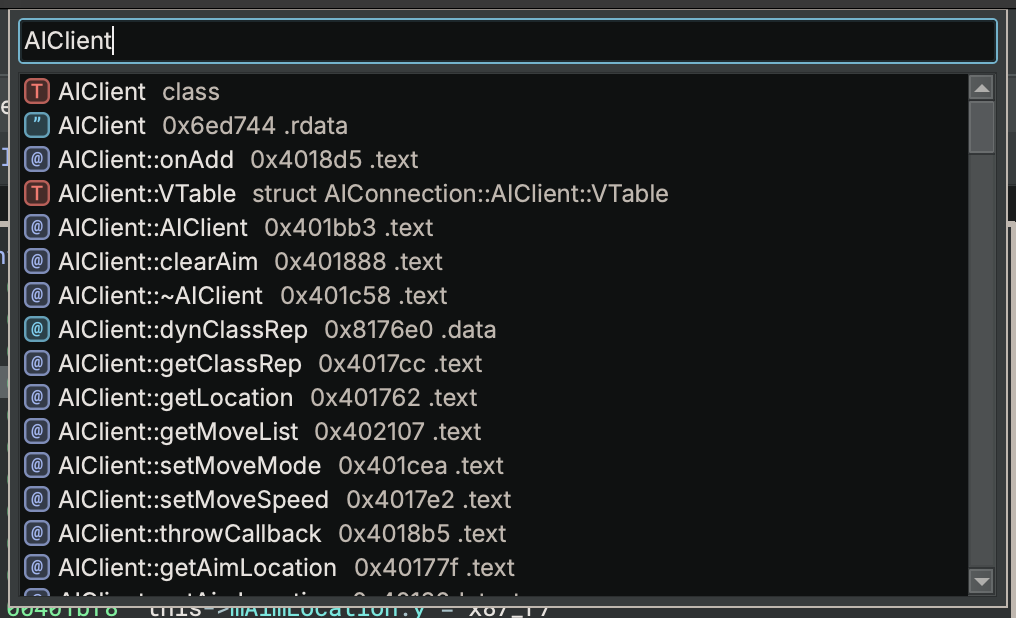
Search Everything
With no prefix, the Command Palette will search for any sort of action or object that matches:
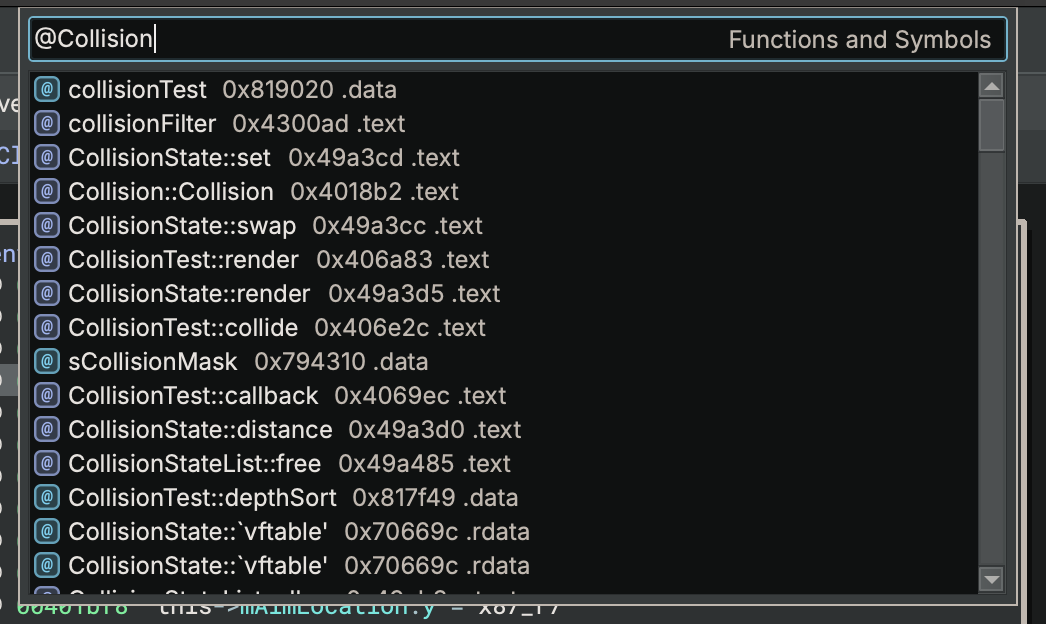
Search Functions and Symbols
Starting your search with @ will let you search Functions and Symbols. Selecting one and pressing enter will navigate you to it:
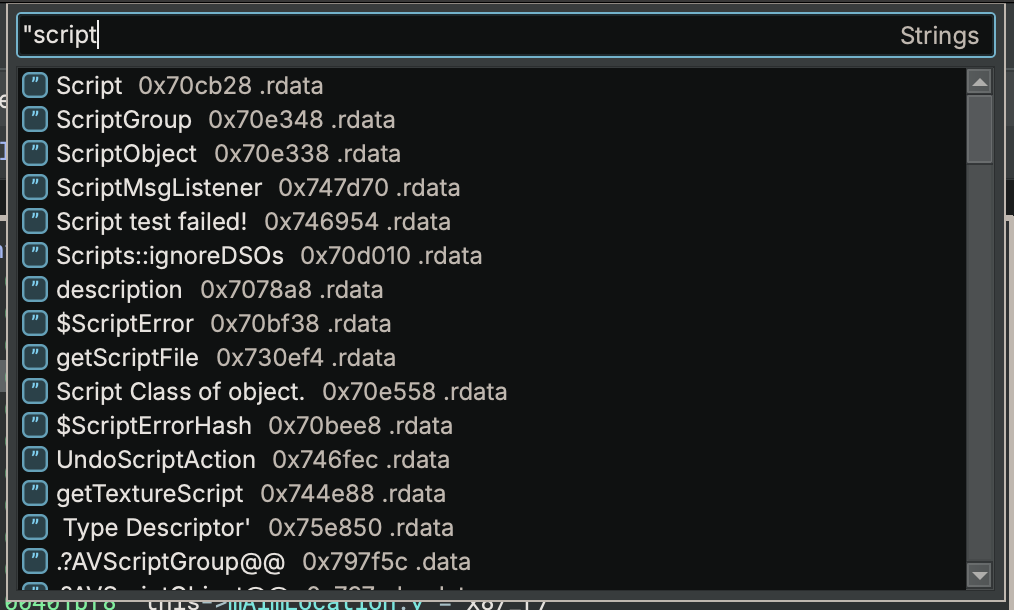
Search Strings
Starting your search with " will let you search for strings. Selecting one and pressing enter will navigate you to it, or for the case of strcpy-outlined strings, where it gets constructed:
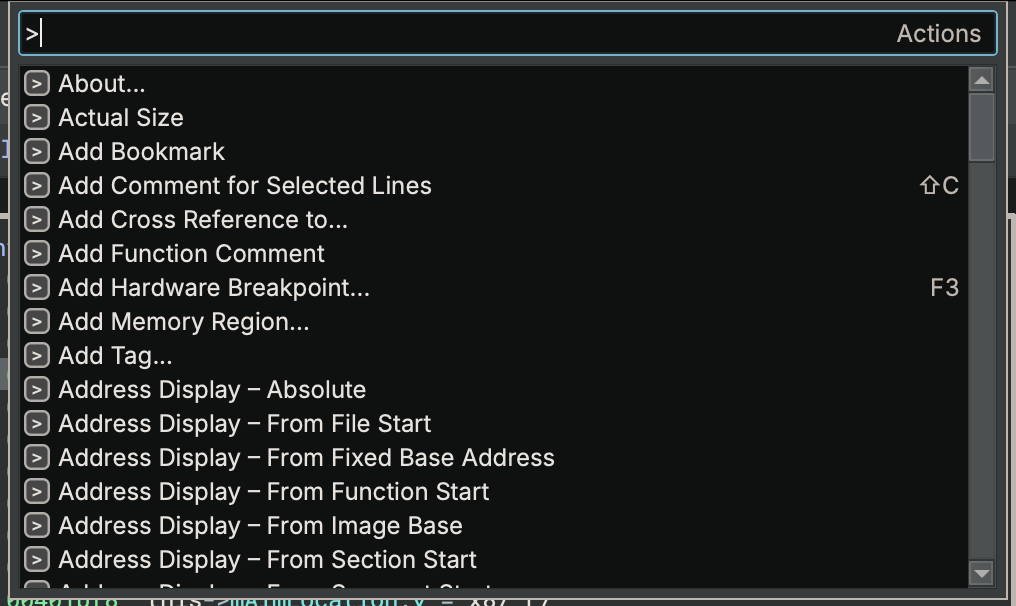
Search Actions
Starting your search with > will let you search actions, similar to how the Command Palette used to work:
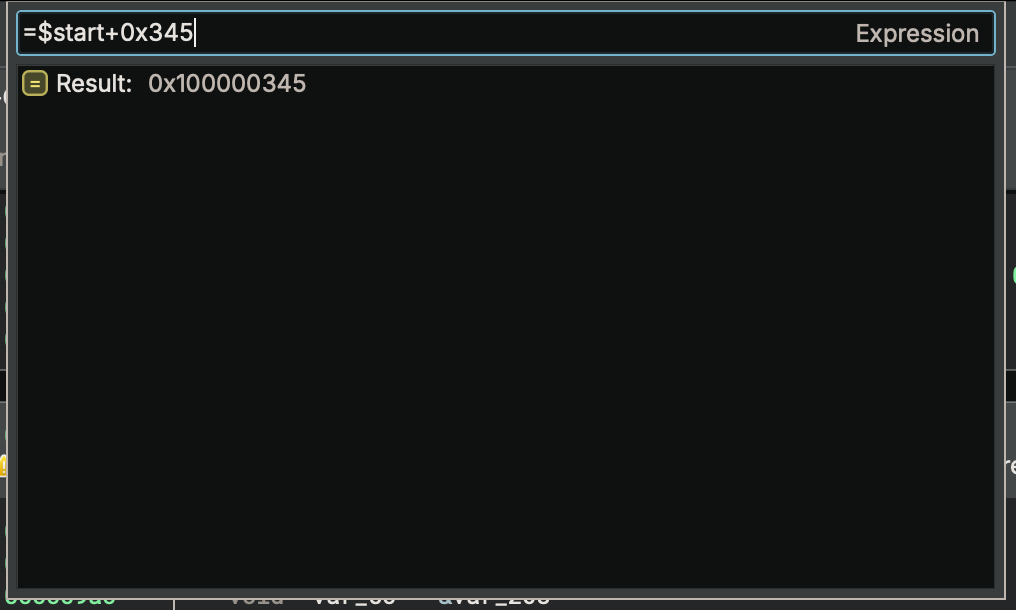
Go to Expression
Starting your search with = will let you enter an expression, which will be calculated and shown in the results. If the value is an address within your open analysis session, pressing enter will navigate to that address:
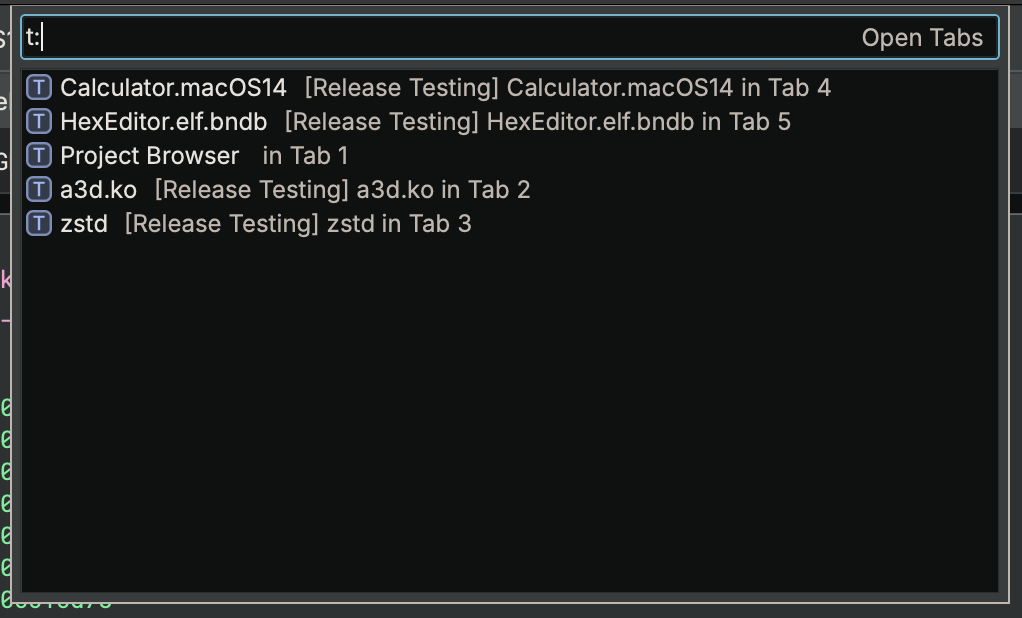
Search Open Tabs
Starting your search with t: will let you search your open tabs, showing file names and paths if applicable:
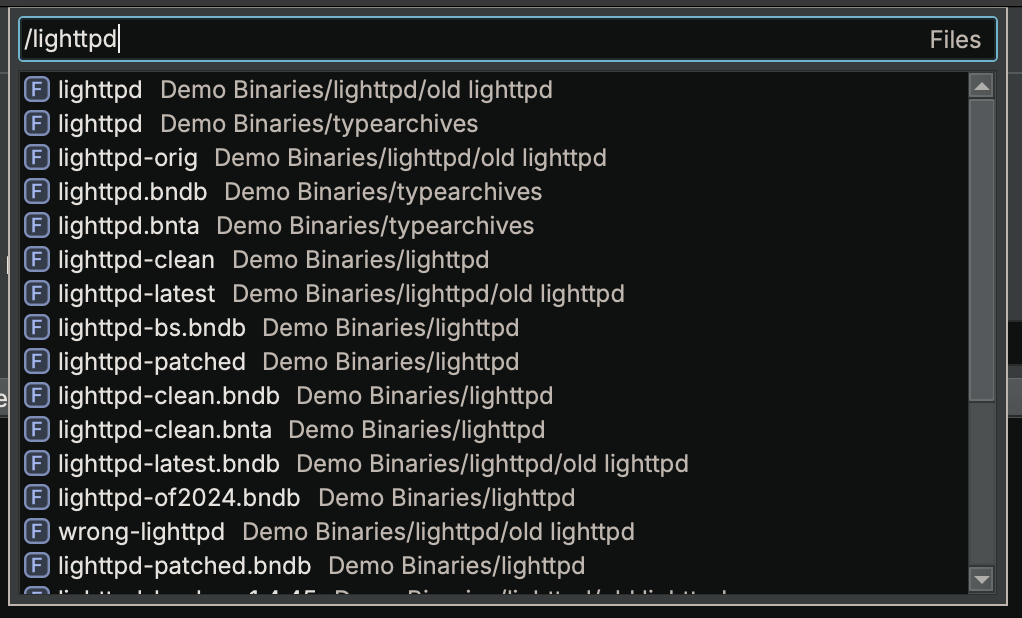
Search Project Files
On Commercial and above editions, starting your search with / will let you search the files in your open projects:
Conclusion
We hope that the enhanced Command Palette helps optimize your reverse engineering workflow even further, letting you navigate across the product faster, and entirely from the keyboard. We look forward to your feedback and suggestions, as we strive to make Binary Ninja the best tool for reverse engineering!